Setting Up Your Home Office for Success in Saint-Sauveur

What you'll learn about creating a productive workspace at home
This guide covers the practical steps to setting up a functional, professional home office right here in Saint-Sauveur. We'll look at how to organize your space, manage your connectivity, and ensure your work environment supports your daily routines without distracting from the beautiful surroundings of our town. Whether you're working from a cottage near the river or a house in the center of the village, these steps will help you stay focused.
Living in Saint-Sauveur means we often balance our professional lives with the rhythms of nature. If you're working from home, your environment matters. A cluttered desk leads to a cluttered mind—and that's true whether you're working in a high-rise or a quiet corner of our community. We want to make sure your setup actually works for you.
Where can I find reliable internet for remote work in Saint-Sauveur?
One of the first things we deal with when setting up a home office is connectivity. While Saint-Sauveur is a wonderful place to live, we need to be smart about our digital infrastructure. Before you buy a desk, check your speeds. If you're working near the outskirts of town, you might find that certain service providers offer better stability than others.
I recommend checking the availability of high-speed fiber or cable through providers like Bell or local internet service providers to see what's actually reaching your specific street. Don't assume your Wi-Fi will reach the back room of your house—especially in those older, charming homes around the village center. Sometimes, a wired connection is the only way to ensure you don't drop out during an important call.
If your home office is a separate building or a basement area, consider getting a mesh system. It's a small investment that prevents the frustration of a lagging connection when you're right in the middle of a task. We've seen many neighbors struggle with signal strength through thick walls, so plan your hardware-first approach accordingly.
How do I choose the right furniture for a small Saint-Sauveur workspace?
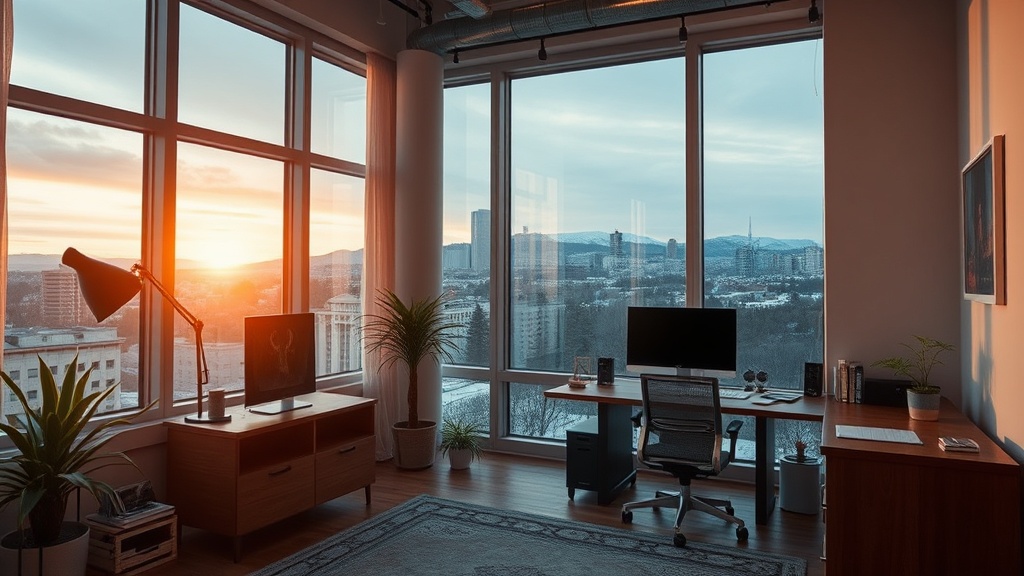
Space is often at a premium, especially if you're working from a smaller residence or a renovated loft. You don't need a massive executive desk to be productive. In fact, a smaller, more intentional footprint often works better for our lifestyle. When selecting furniture, think about the light in your room. If your office faces the street, you'll have plenty of natural light, but you might also deal with the occasional distraction of passing traffic on Boulevard de la Gare.
A good ergonomic chair is non-negotiable. You might be tempted to work from the kitchen table or the sofa, but your back will thank you later. Look for chairs that offer lumbar support. If you're setting up a permanent station, try to find a spot that allows you to look away from the screen frequently. Looking out toward the trees or the local architecture can provide a much-needed mental break.
- The Desk: Choose a height that allows your elbows to rest at a 90-degree angle.
- Lighting: Combine natural light with a dedicated desk lamp to reduce eye strain during our darker winter months.
- Storage: Use vertical space with shelving to keep your desk surface clear of clutter.
I recently saw a neighbor over at a local shop near the center of Saint-Sauveur picking up some sleek, minimalist office supplies. The idea is to keep the aesthetic calm. If your desk is covered in papers, your brain will feel the chaos. A simple filing system or even just a dedicated tray for incoming mail can make a huge difference in your daily workflow.
Can I improve my focus using local Saint-Sauveur resources?
Sometimes, the walls of a home office can feel a bit confining. When the "work from home" fatigue sets in, we have a few options. If you need a change of scenery, many of our local cafes offer a great atmosphere for light work. While you shouldn't treat every cafe like a permanent office, a quick two-hour session at a local coffee shop can reset your productivity levels.
The key is to establish a routine that separates "work time" from "home time." In our community, we value our downtime, and that should include a clear end to your workday. Once you close that laptop, try to step outside. A quick walk around the neighborhood or a stroll near the local parks can help signal to your brain that the workday is officially over. This distinction is vital for long-term mental health when your office and your living space are the same building.
If you find that you're struggling with focus, try the Pomodoro technique: 25 minutes of intense work followed by a 5-minute break. During that break, don't just scroll on your phone—stand up, stretch, or even step outside for a breath of fresh air. It's a simple way to maintain high energy levels throughout the afternoon.
How much space do I actually need for a home office?
You don't need a dedicated room to have a professional setup. Many people in Saint-Sauveur use a "zone" method. This might be a specific corner of the dining room or a nook in the living area. The goal is to create a psychological boundary. Use a rug to define the space, or a small room divider to block the view of the rest of your house. This helps your brain enter "work mode" the moment you sit down.
If you are working in a multi-purpose room, ensure your equipment is tucked away or organized when not in use. A messy desk that is visible from your couch can make it hard to relax in the evening. We want to enjoy our homes, not feel like we're always at the office. By being intentional with your setup, you can enjoy the benefits of remote work while still feeling like you're truly at home in our beautiful town.